Inside Git: How It Works and the Role of the .git
Introduction: Why Understanding Git Internals Matters
Have you ever wondered what a Version Control System really is and what problems it solves?
If you are new to development, having a solid understanding of Git is extremely important not just the commands, but how Git works internally. Once you understand what Git is doing behind the scenes, the commands start making sense automatically.
Before diving into Git internals, let’s first understand why Git exists at all.
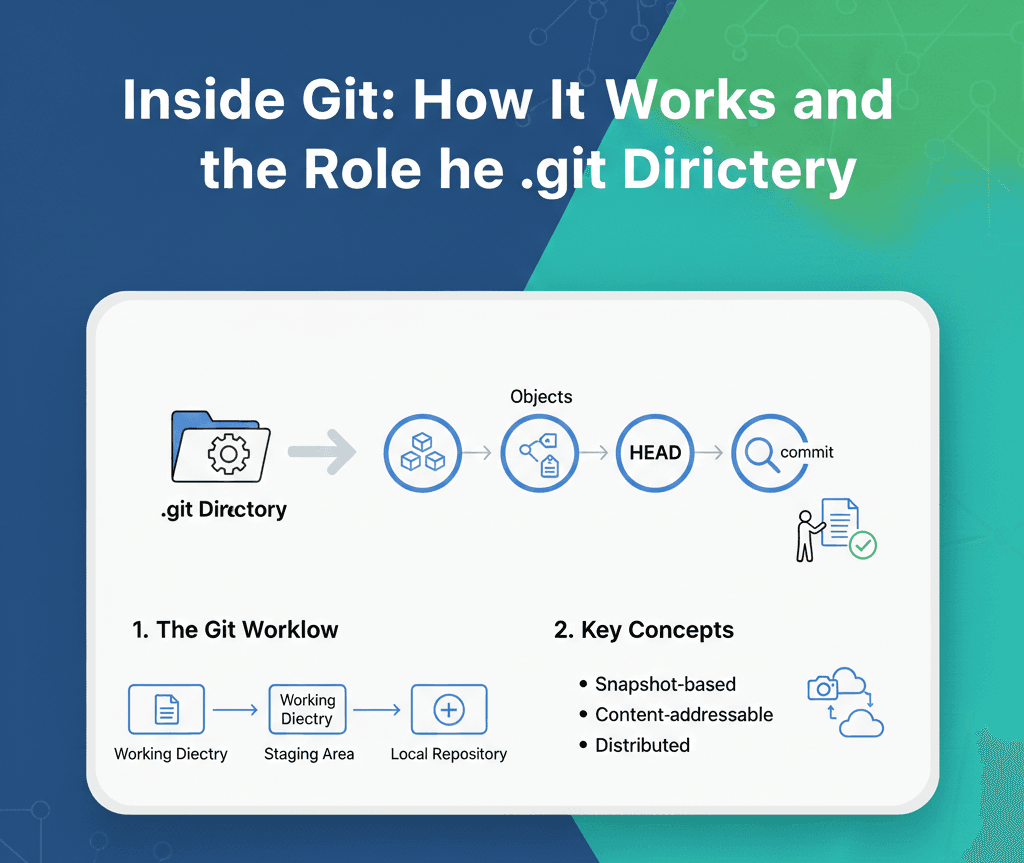
Understanding the .git Folder
A git repository contains:
Your Project files
A hidden .git folder that stores the history and metadeta

This folder stores :
Complete project history
All commits
Branch information
Git configuration
Git Objects: Blob, Tree, Commit (Core Internals)
Git stores everything as objects.
Blob → Stores the content of a file, not the filename.
Tree → Represents a directory structure, linking filenames to blobs.
Commit → A commit object points to :
A tree (project structure)
Parent commit(s)
Author information
Commit message
How Git Tracks Changes (git add & git commit)
What Happens During git add?
Git takes file content
Converts it into blobs
Places references into the staging area
What Happens During git commit?
Git creates a commit object
Stores the snapshot permanently
Links it to previous commits
This is how Git builds a timeline of your project.
How Git Uses Hashes for Integrity
Every Git object is identified using a SHA-1 hash.
This ensures:
Data integrity
No accidental modification
Secure history tracking
If even one character changes, the hash changes, This is why Git history is reliable and tamper-proof.
Branches Overview
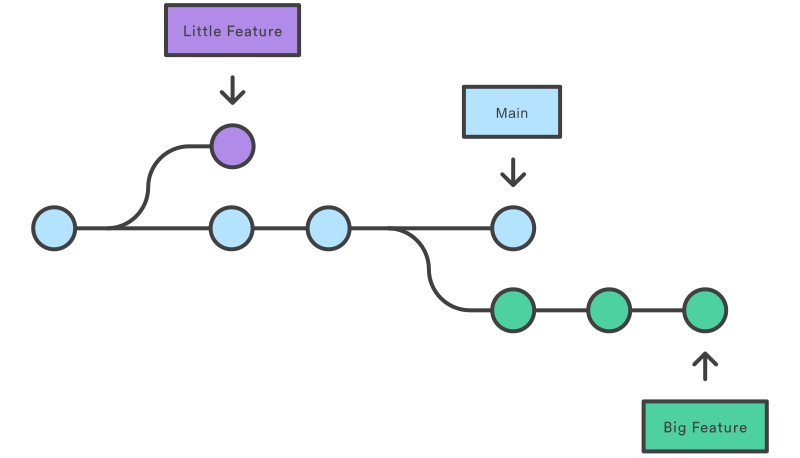
The diagram above shows a repository with two separate development lines, allowing parallel work on a small feature and a longer-running feature in branches, while keeping the main branch free of unstable code.
Fun Fact! 🙂
Git was a side project of Linus Torvalds, the creator of the Linux operating system kernel. He started developing Git in April 2005 to manage the Linux kernel source code
Linus Torvalds designed Git in just ten days with specific goals in mind, including speed, support for distributed development, and data integrity. He intended it to be a temporary solution but it quickly evolved into the dominant version control system used worldwide today.
Thanks for reading