Git for Beginners: Basics and Essential Commands
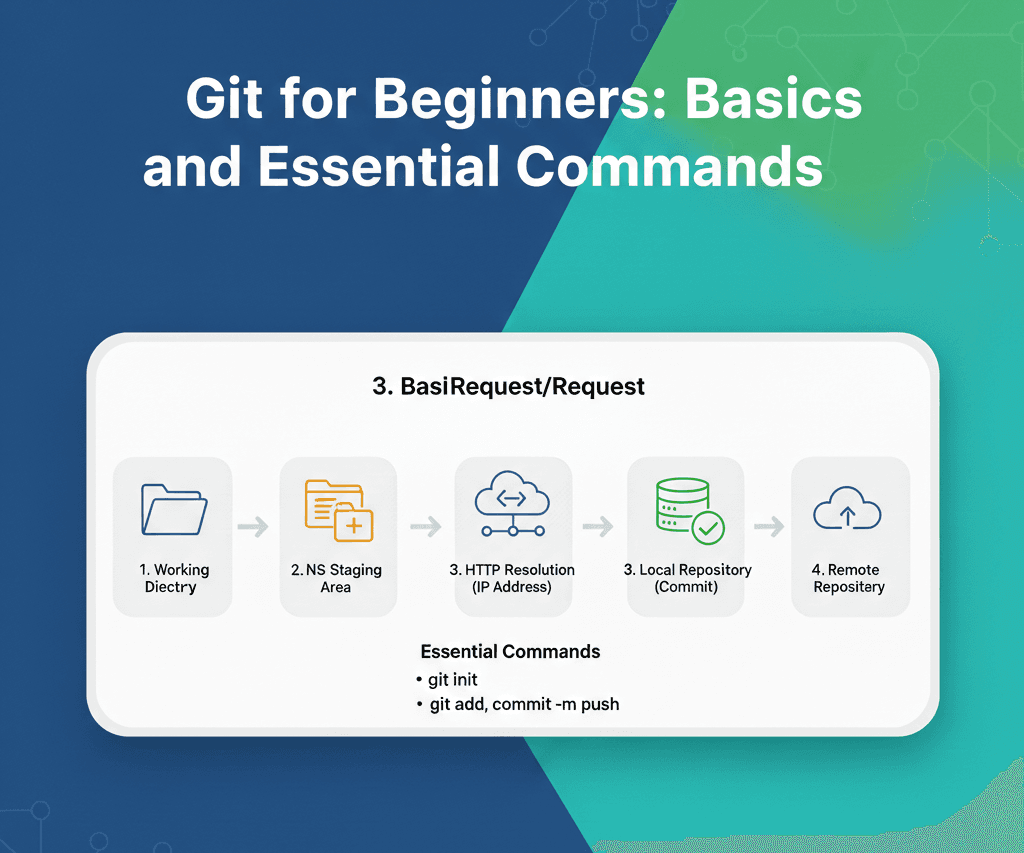
Have you ever wondered ,what exactly is Version Control System or what are the problems it solves? if you are new to it then it is very important for a developer to have a solid understanding of git.
What is Git?
- it is a version control system which keeps track of all the changes that we have made in the codebase.
Understanding Usecase of Git
Track of Code changes → Git keeps track of every changes made in the codebase even a single (.)
Collaborations → Multiple developers can work on a single project without overwriting the code.
Undo Chnages →It gives you freedom to work without fear , means if something wents wrong then there is always a way to get back.
Git Terminologies
before moving to the commands we must have to understand some basic terminologies which we have to use while working with the git
Repositiory → Commanly called as Repo. it is a project folder which is tracked by git.
Staging Area → This is where you prepare the changes before saving them permanently.
Commit → commit is a snapshot of your project at a specific moment. thing to know is Each commit has it’s own Unique ID, and also message about that commit
Working Directory →The Working Directory is the place where Git puts the project files so you can view, edit, and work on them. Any changes you make here are unstaged until you add them.
Branch → it allows to work on your own feature wihtout interfaring with the actual code.
Head → Head points to your current location in the project history. it tells git where you are right now on which specific commit or branch
Basic git commands →
| Command | What it Does? | What it tells? |
git init | Initializes a new git repository | Starting new project or want git to track files |
git status | Shows the current status of your code | Modified files, Staged files, Untracked files |
git add "file_name" or git add . | Adds file to Staging area | When you add the files to the staging area |
git commit -m “message“ | Saves a snapshot of staged changes | commited files along with the messages |
git log | Shows the commit history | Commit ID, Author, Date, Commit message |
Developer’s workflow using git →
Step 1: Create Project
mkdir project_name
cd project_name
Step 2: Initialize Git
git init
Step 3: Create Files
touch main.txt README.md
Step 4: Check Status
git status // shows the files are untracked
Step 5: Stage the file
git add main.txt
Step 6: Make some changes and Commit the changes
git add .
git commit -m "feature 1 created"
So this is how developers are working daily.